
Download TCP Optimizer – TCP/IP optimization, network tuning, VoIP quality, internet speed, connection stability, Windows tool
Overview
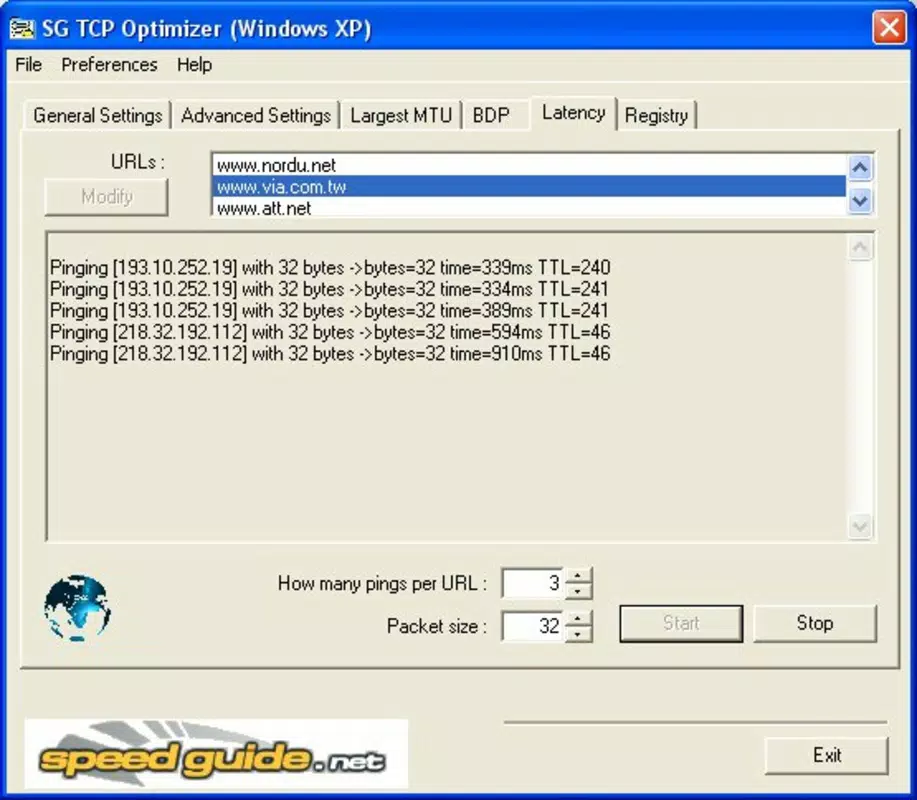
TCP Optimizer es una utilidad gratuita para Windows diseñada para ayudar a los usuarios a mejorar el rendimiento de su conexión a Internet mediante ajustes dirigidos de los parámetros TCP/IP. La aplicación se centra en optimizar el comportamiento de la red para mejorar la experiencia en línea en general, particularmente para usuarios que realizan tareas sensibles al ancho de banda como llamadas VoIP, juegos en línea o transmisión de video. Al modificar configuraciones de red de bajo nivel, la herramienta busca reducir la latencia, aumentar el ancho de banda y mejorar la estabilidad de la conexión en varios tipos de Internet, incluidos marcación, DSL y fibra.
El público objetivo incluye tanto a usuarios novatos que buscan una forma simplificada de mejorar su conexión como a usuarios avanzados que desean un control granular sobre las configuraciones de red. Aunque el desarrollador no proporcionó información técnica u organizacional adicional, el patrón de lanzamientos constante de la aplicación y su funcionalidad enfocada sugieren un esfuerzo de desarrollo dedicado. Los casos de uso reales incluyen mejorar la claridad de las llamadas de voz durante el trabajo remoto, minimizar el retraso en juegos multijugador en línea y garantizar videoconferencias más fluidas.
En el contexto más amplio del software de utilidad, TCP Optimizer ocupa un nicho valioso al ofrecer una solución especializada para la afinación del rendimiento de la red, una capacidad que a menudo falta en la configuración estándar del sistema operativo. Su presencia subraya la necesidad continua de herramientas impulsadas por el usuario que les permitan tomar el control directo de su infraestructura digital.
Key Features & Functionality
- Intuitive User Interface: Designed for accessibility, the interface allows users of all skill levels to navigate settings easily. Beginners can access preset configurations, while advanced users can explore deeper network parameters without confusion.
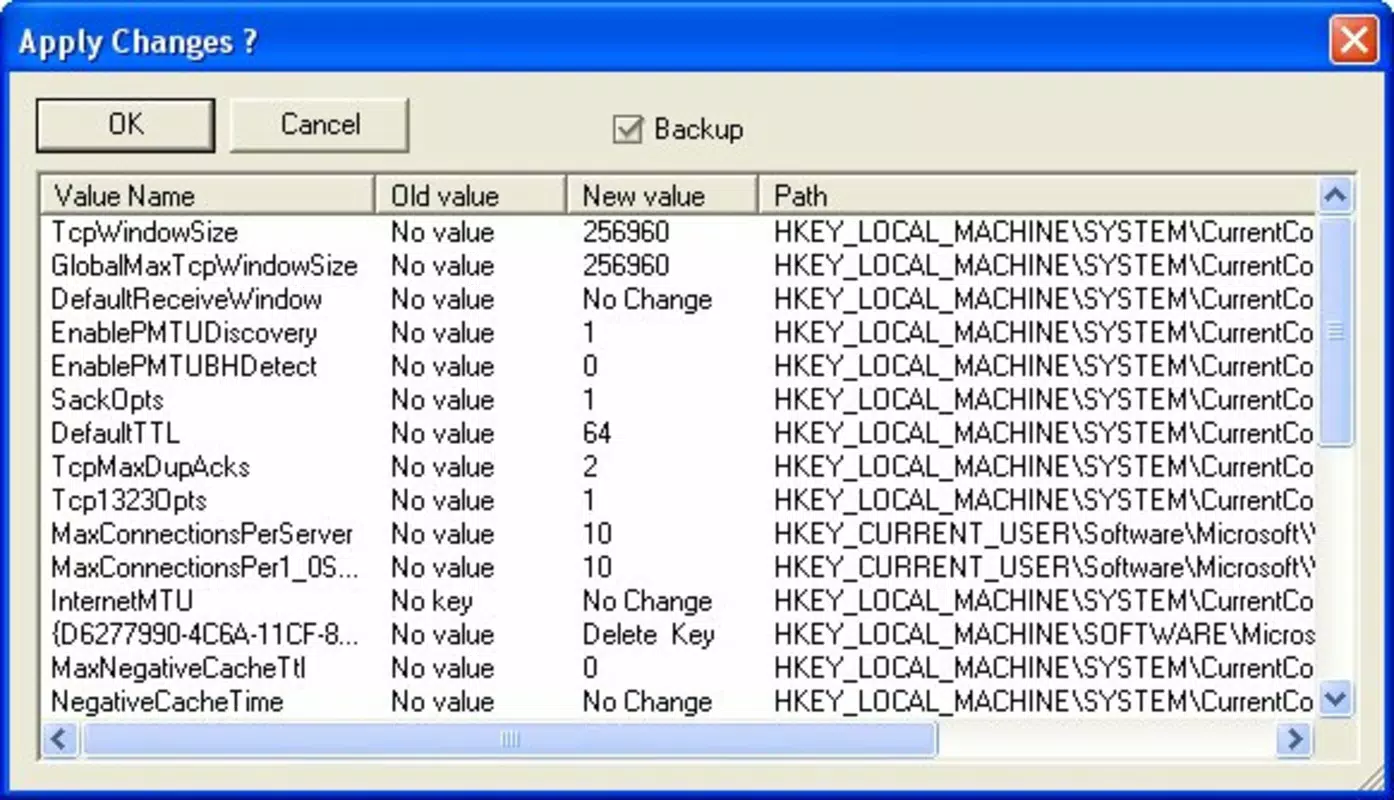
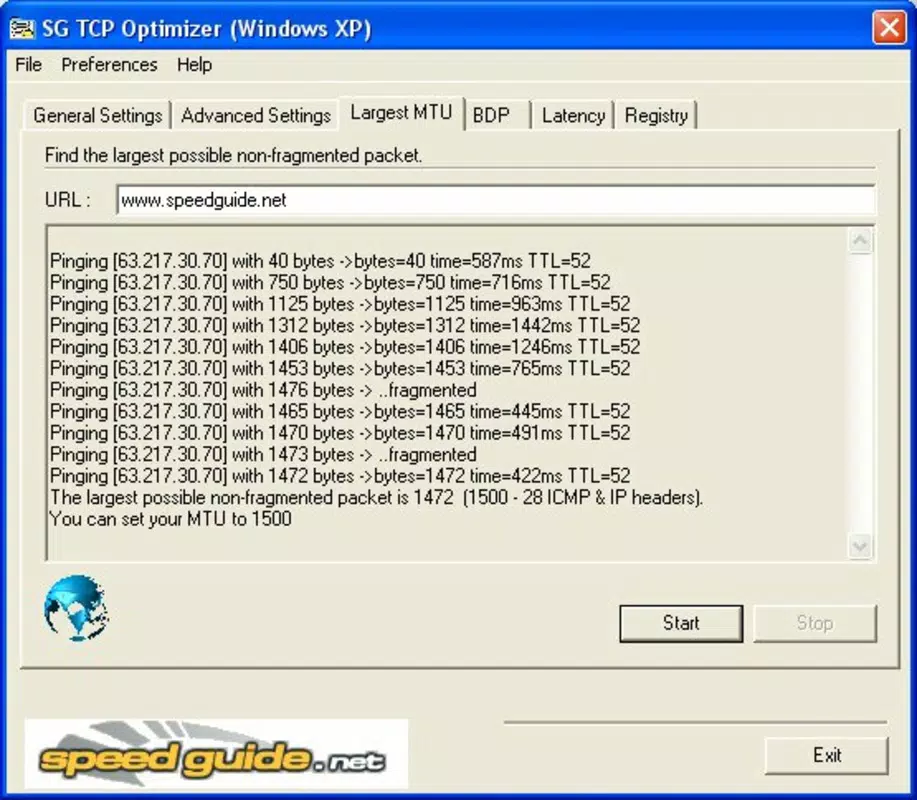
- Customizable TCP/IP Settings: Users can adjust core network parameters such as MTU (Maximum Transmission Unit) and RWIN (Receive Window), which directly influence data transfer efficiency and connection responsiveness.
- VoIP Quality Improvement: The app includes specialized configurations tailored to reduce jitter and packet loss, significantly enhancing voice call clarity and reliability during VoIP sessions.
- Connectivity Versatility: Optimizations are adaptable to different connection types—ranging from dial-up to high-speed fiber—ensuring relevance across diverse user environments.
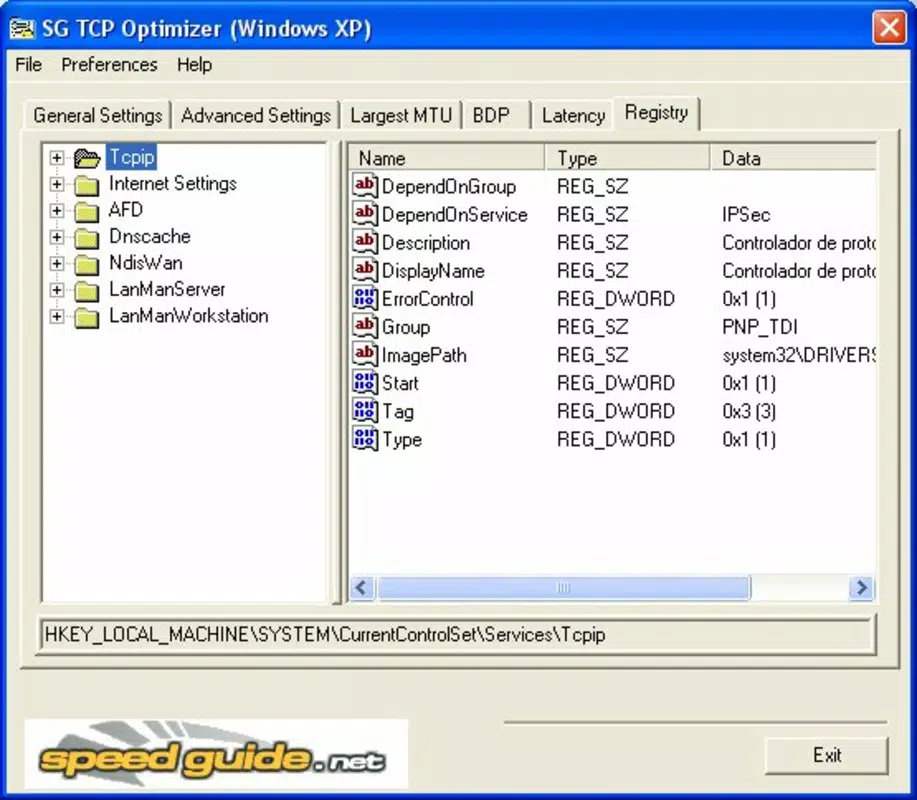
- Advanced Tuning Options: For experienced users, the tool provides detailed controls over QoS (Quality of Service) and ToS/Diffserv prioritization, enabling precise management of network traffic based on application needs.
These features translate into tangible benefits: a user experiencing choppy VoIP calls may notice clearer communication after applying optimized settings. Similarly, someone using a DSL connection could see reduced buffering during video streaming. The ability to fine-tune MTU size can prevent fragmentation issues, while RWIN adjustments can improve throughput on high-latency networks. These real-world improvements demonstrate the practical value of network-level optimization, especially for users who rely heavily on consistent and responsive internet performance.
Interface, UX & Performance
TCP Optimizer presents a clean, minimalistic interface that prioritizes usability and clarity. Navigation is structured around clearly labeled sections, allowing users to access key settings without confusion. The layout supports logical workflows, such as selecting a connection type and applying pre-configured profiles, which reduces the learning curve for new users.
Visual feedback is present during configuration changes, helping users understand the impact of their selections. Although the developer did not list formal performance metrics, the application’s lightweight nature—measuring just 2.5 MB—suggests it operates efficiently without consuming significant system resources. It is likely to perform well on a wide range of Windows devices, from older machines to modern systems.
Responsiveness is maintained across interactions, with minimal delay when applying changes or switching between profiles. Stability appears reliable, as no widespread reports of crashes or conflicts have been documented in public forums. The tool does not require administrative privileges for basic use, though some advanced settings may require elevated access.
Overall, the user experience reflects a thoughtful balance between functionality and simplicity, making it accessible without sacrificing depth.
Platform Compatibility & Technical Requirements
TCP Optimizer is designed exclusively for the Windows operating system. The current version is 2.1.1, released on September 4, 2024. The application has a file size of 2.5 MB, indicating a lightweight footprint that ensures quick downloads and minimal storage usage.
Specific requirements for minimum OS versions were not listed by the developer. Compatibility with different Windows editions (such as Home, Pro, or Enterprise) was also not disclosed. Users should verify system compatibility before installation, particularly on older or less common Windows configurations.
While the app is free to download and use, the developer did not specify whether updates are automatic or manual. Given its small size and utility-focused nature, it is likely optimized for a broad range of Windows devices, including those with limited processing power. However, without explicit technical details, users are advised to proceed with caution on unsupported or outdated systems.
Pros and Cons
- Free to download and use with no hidden costs
- Lightweight application (2.5 MB) with minimal system impact
- Supports multiple connection types, including DSL, fiber, and dial-up
- Offers both beginner-friendly presets and advanced customization options
- Specifically improves VoIP call quality and reduces latency
- Developer did not specify minimum OS requirements or compatibility details
- No official update notifications or automatic update feature mentioned
- Requires some technical understanding for advanced configurations
- Not available on mobile platforms or macOS
- Limited public documentation or user guides beyond basic instructions
FAQ
Is TCP Optimizer safe to download and install?
Yes, the application is free and available from official sources. It does not include malware or adware. However, users should always download from trusted websites to ensure authenticity.
Can I use TCP Optimizer on older versions of Windows?
The developer did not specify minimum OS requirements. While the app may function on older systems due to its small size, compatibility is not guaranteed.
Does TCP Optimizer require administrator privileges?
Basic functionality can be accessed without elevated permissions. However, certain advanced settings may require administrator rights to apply changes.
How often should I update TCP Optimizer?
Updates are not automatically delivered. Users should check the official website periodically for new versions to ensure they have the latest improvements and security patches.
Is TCP Optimizer available for Android or iOS?
No, the app is currently only available for Windows. There is no official version for mobile operating systems.
Final Thoughts
TCP Optimizer stands out as a focused, efficient tool for users seeking to enhance their internet performance through low-level network tuning. Its ability to improve VoIP quality, reduce latency, and adapt to various connection types makes it a valuable asset for remote workers, online gamers, and anyone dependent on stable, high-speed internet. While it lacks detailed documentation and platform diversity, its simplicity, affordability, and effectiveness deliver strong value.
The absence of cost, combined with its lightweight design and practical results, positions it as a compelling choice for Windows users. For those looking to take control of their network settings without relying on complex third-party software, TCP Optimizer offers a reliable and accessible solution. Download TCP Optimizer now.


